Work / Executive Support Automation
Surveys people actually finish.
A client-satisfaction survey that lives inside Outlook, with real-time alerts the moment a rating comes back low.
Focus
Client feedback and service recovery
Platform
ServiceNow · Microsoft 365
Backend
Azure Web App · Power Automate
Channel
Outlook Actionable Messages
The problem
The old survey lost people.
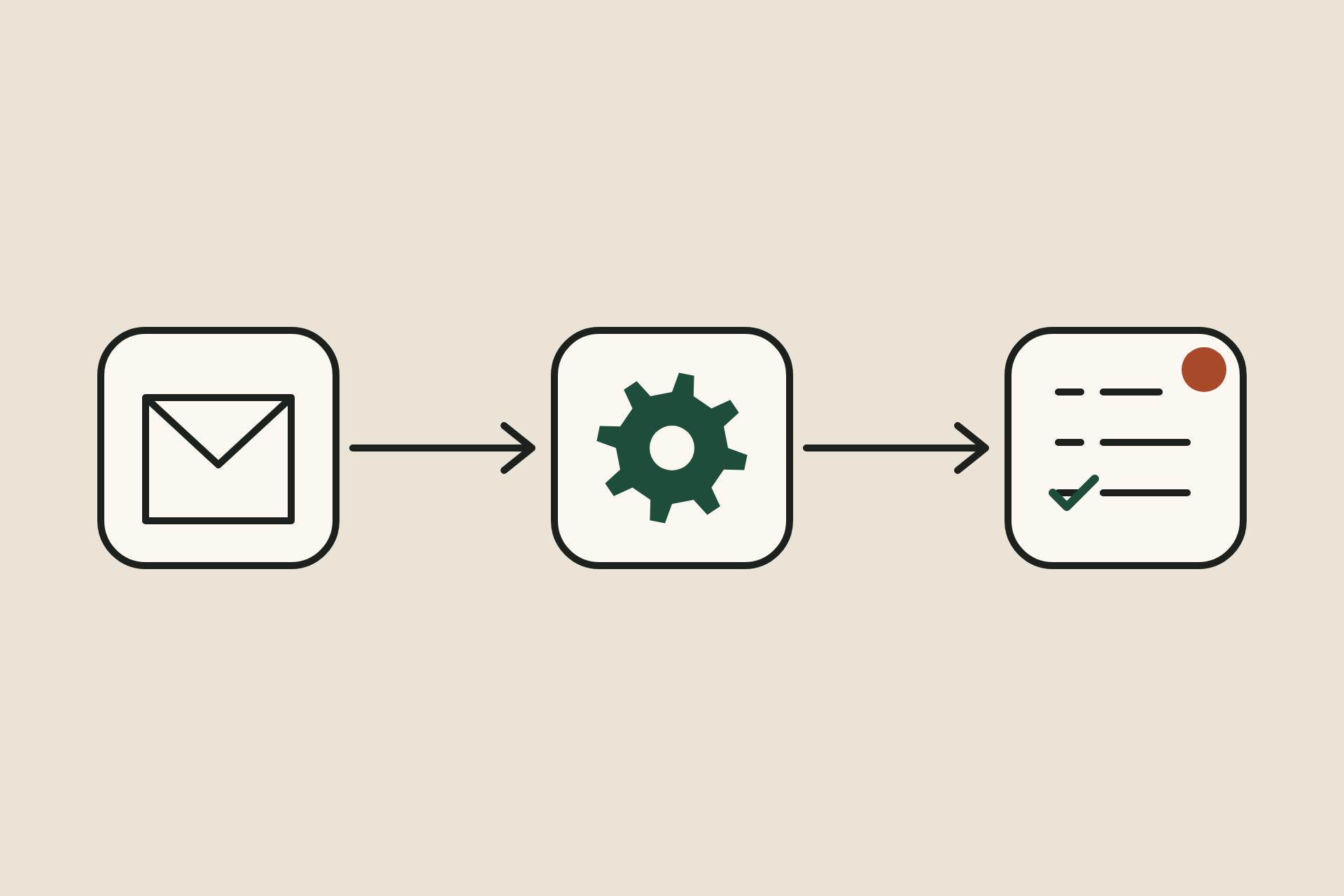
The legacy ServiceNow survey took four steps: open an email, click a link, wait for a separate ServiceNow page, then fill it in. Only 12% of clients finished it, and poor reviews often surfaced days later. Leadership needed:
- A frictionless survey experience
- Real-time visibility into negative feedback
- A structured follow-up loop for technicians and managers
The solution
How it works.
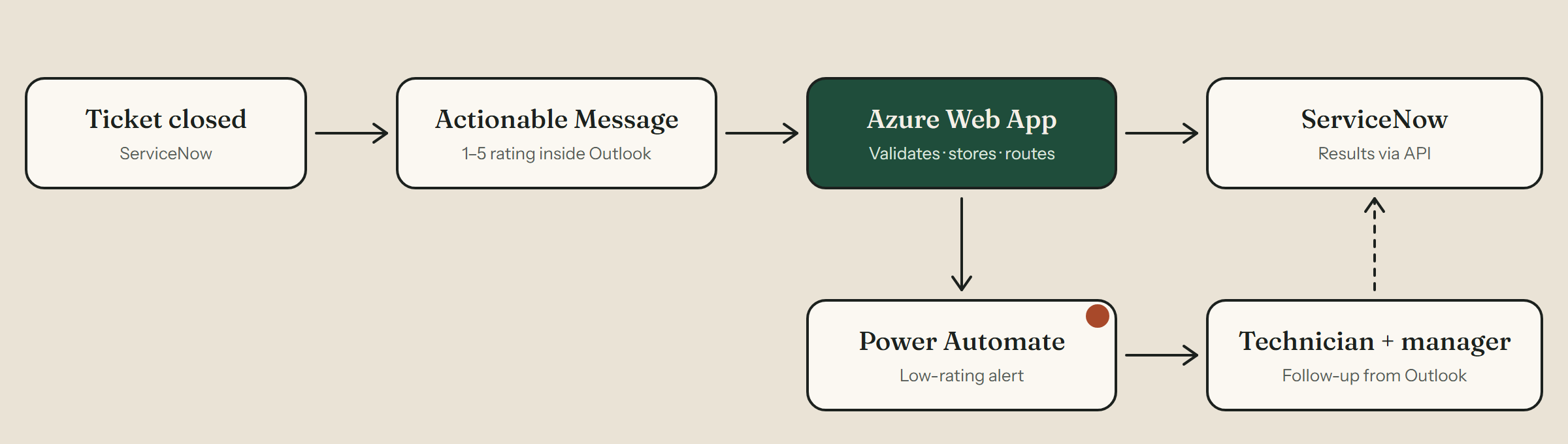
A personalized Actionable Message goes out when a ticket closes. Clients rate 1 to 5 and comment without leaving Outlook. An Azure Web App validates each response and pushes it into ServiceNow, and low ratings trigger a Power Automate alert so the technician and their manager can follow up, right from Outlook.
Key capabilities
What it does.
01
Survey in the email
A personalized Actionable Message is sent the moment a ticket is closed.
02
One-click rating
An embedded 1–5 scale with optional comments, submitted without leaving Outlook.
03
Azure backend
An Azure Web App receives and validates every response.
04
ServiceNow sync
Results are pushed into ServiceNow automatically through its API.
05
Low-rating alerts
Power Automate emails the technician and their manager as soon as a poor review arrives.
06
Follow-up from Outlook
Acknowledge the review, note the conversation and the fix, and submit, all from the alert email.
07
Leadership visibility
Every follow-up is logged back into ServiceNow for coaching and reporting.
Closed-loop by design.
Every poor review gets an owner, a response and a record.
Results
What changed.
55%
survey response rate, up from 12%
<10 s
to complete, down from about 2 minutes
Minutes
to follow up on a poor review, not days
Clients called the new process “simple,” “fast” and “much easier than the old survey link.”
Next project
Knowledge Base Lifecycle
Lifecycle governance that keeps support documentation accurate and trusted.